Modern media sources negotiate many properties at start-up: resolution, refresh rate, colour depth, HDR format, audio format and copy protection. If a single link does not support the requested combination, the source may reduce the signal or the connection may become unstable. A clear connection plan is therefore more useful than enabling every available function at once.
Three routes compared directly
| Signal path | Strength | Typical bottleneck | First diagnostic step |
|---|---|---|---|
| Source → projector | Few interfaces and easy to reproduce | Sound is limited to the internal system or a separate output | Test a short reference cable and a basic format |
| Source → projector → eARC audio | Direct picture path with central soundbar or system audio | HDMI control, eARC and audio format must agree | Start with PCM, then test multichannel formats |
| Source → AV system → projector | Central source selection and extensive audio routing | The receiver and second HDMI cable join the negotiation | Temporarily connect the source directly |
A direct connection is the most useful reference for troubleshooting. eARC separates picture and audio routes in a sensible way, but relies on coordinated control. An AV system offers the greatest flexibility and also the most interfaces. The appropriate choice depends on the sources and audio formats actually in use, not on the number of sockets alone.
Understand and simplify the signal chain
The simplest route runs directly from a console, computer or player to the projector. An AV receiver, switch, splitter or adaptor adds another negotiation stage. That can work perfectly well, but it makes fault-finding less direct. When a problem appears, simplify the chain first and rebuild it only after establishing a stable baseline signal.
- Connect the source directly. Temporarily remove all intermediate components.
- Choose a stable basic format. Begin with a moderate refresh rate and standard colour depth.
- Add features one at a time. Enable HDR, a higher refresh rate and VRR in separate steps.
- Check the signal information. Verify the format actually received, not just the setting shown in the source menu.
- Insert other devices individually. Retest after every new interface.
This sequence reveals the interface at which bandwidth, negotiation or format support is lost. If the cable, input, HDR setting and receiver are all changed together, a chance success cannot be reproduced reliably.
VRR and ALLM solve different problems
VRR means Variable Refresh Rate. The display adapts its refresh timing to the frames actually delivered by the source. Fluctuating frame rates can therefore appear smoother, and horizontal tearing can be reduced. VRR does not improve the source's rendering performance; it synchronises output within the supported range.
ALLM means Auto Low Latency Mode. A compatible source signals that low delay should take priority over elaborate image processing. The projector can then switch to a suitable mode, provided the function is enabled at both ends and available for the selected input.
The two systems can operate together, but they are not interchangeable. If VRR is not recognised, check the input, source format and supported frequency range. If ALLM does not switch, confirm that automatic game mode is enabled on both the projector and the source.
An enabled switch shows only the requested function. The decisive information is the signal format the projector is actually receiving at its input.
Put latency figures in context
Manufacturers state delay figures for defined signal and operating conditions. A minimum figure does not automatically apply to every resolution, refresh rate, HDR variant and processing mode. Frame interpolation, noise reduction, complex tone mapping and additional switching devices can all add time. A fair comparison keeps source, format, picture mode and measurement route consistent.
For low latency, reduce processing-intensive features and verify the output actually active at the source. A fast camera movement or rhythmic input can provide subjective clues, but it is not a measurement. Keep the controller, game, scene and refresh rate unchanged when comparing modes.
A cinematic single-player title may benefit from a more elaborate HDR profile, whereas a fast reaction game needs a more direct mode. Separate profiles prevent the same settings being applied to opposing requirements. Consider audio delay independently too, because wireless headphones or an AV receiver can affect the overall impression.
HDMI, DisplayPort and bandwidth
Depending on the model, specifications may list HDMI, DisplayPort, USB, Ethernet and wireless connections. When assigning them, identify which HDMI socket supports eARC and which signal formats are available on each input. A version logo does not describe every combination of resolution, frequency, colour depth and HDR. The connection matrix for the specific device is more authoritative than a general version number.
Cable faults often appear only at high data rates. Common symptoms include brief black screens, sparkling pixels, a fallback to a lower refresh rate or loss of HDR. A cable can carry a simple signal successfully yet become unstable at a higher colour depth.
Start diagnosis by reducing the refresh rate. If the connection is stable, add HDR, colour depth and VRR one at a time. Treat long runs, in-wall sections and couplers as separate interfaces. A direct, short comparison cable can establish whether the fixed cable route is the cause.
| Symptom | Likely layer | First check |
|---|---|---|
| Brief black screens | Bandwidth or cable route | Reduce refresh rate and connect directly |
| HDR is missing | Format, input or negotiation | Compare received signal information with source output |
| VRR is not recognised | Input, frequency range or game mode | Use a direct connection and compatible basic format |
| Incorrect black levels | RGB range | Match full or limited range at source and display |
| Drop-outs through a receiver | Intermediate component | Test the source directly with the projector |
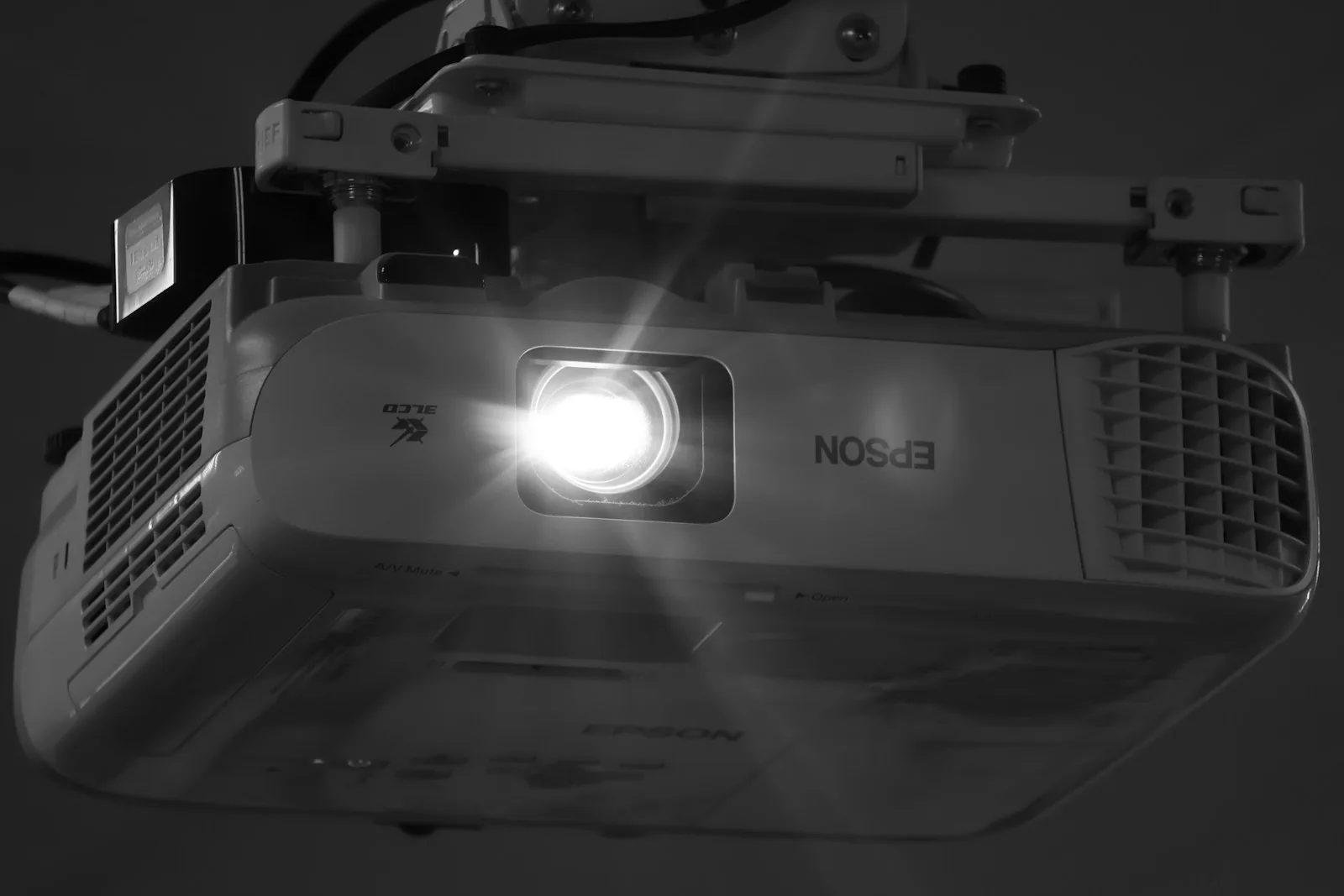
Set up eARC audio methodically
eARC carries sound from the projector to a compatible audio system. The designated HDMI socket, eARC function and appropriate audio output must all be enabled. A source can provide sound as PCM or as a compressed or lossless bitstream. Not every audio system handles every format.
If there is no sound, restart both the projector and audio system completely. Then check the socket assignment, HDMI control, eARC and a simple PCM signal. Enable more complex multichannel formats only after this baseline works. This distinguishes a missing connection from rejection of one particular format.
Check lip synchronisation with clearly visible speech or a sync pattern. Delay correction should, where possible, be applied at only one point in the chain. Opposing corrections in the source, projector and audio system make behaviour across different formats difficult to understand.
Networks, streaming and wireless links
Current platforms may combine Wi-Fi, Bluetooth, Ethernet and screen-mirroring protocols. These functions differ in transport method, compression and latency. A strong average internet speed does not prove that local radio interference or brief fluctuations are absent. A wired route remains easier to reproduce when establishing a technical reference.
For high-resolution local media, a wired network connection is often more predictable. Wi-Fi is convenient but responds to distance, walls, channel occupancy and neighbouring networks. If a stream buffers regularly, test the same file and service over Ethernet first. This helps isolate the wireless link as a possible cause.
Bluetooth may suit speech or occasional listening, but it adds another compression and delay stage. For timing-sensitive games, a direct HDMI or wired audio route is easier to assess. Wireless mirroring is better suited to flexible everyday content than to reference checks of HDR or latency.
Diagnose common faults systematically
- Established a direct connection as the reference
- Checked the active signal format at the projector
- Added HDR, refresh rate and VRR individually
- Tested the high-data-rate cable separately
- Checked eARC with PCM first
- Compared a wireless problem against Ethernet
- Kept only one delay correction active
- Documented the stable configuration
A stable baseline is more valuable than a long list of enabled features. Add optional formats one at a time only after picture and sound work reliably. What matters is not which switches appear in a menu, but which signal reaches the projector and which audio format is confirmed by the final device in the chain.
Why does HDR work at a lower refresh rate but fail at a higher one?
Refresh rate, colour depth and HDR increase the data rate together. A cable or intermediate component may reach its limit only with the higher combination.
Does ALLM always reduce latency to the minimum figure?
ALLM requests a low-latency mode. The actual delay still depends on the signal format, input and processing steps left active in that mode.
Is Wi-Fi sufficient for every local 4K file?
Not necessarily. Average speed, brief drops, file bitrate and the network environment all affect stability. Ethernet provides a useful reference comparison.
Source basis: general technical principles for HDMI, VRR, ALLM, eARC and IP networking. Available inputs and feature combinations must always be checked against the current firmware and official documentation for the specific device.